Your images. Endless perspectives.
Create custom mockups from your own images.
Free. Private. Built for designers, by designers.

We wanted a better way to present our work, so we built one.
For every kind of work.
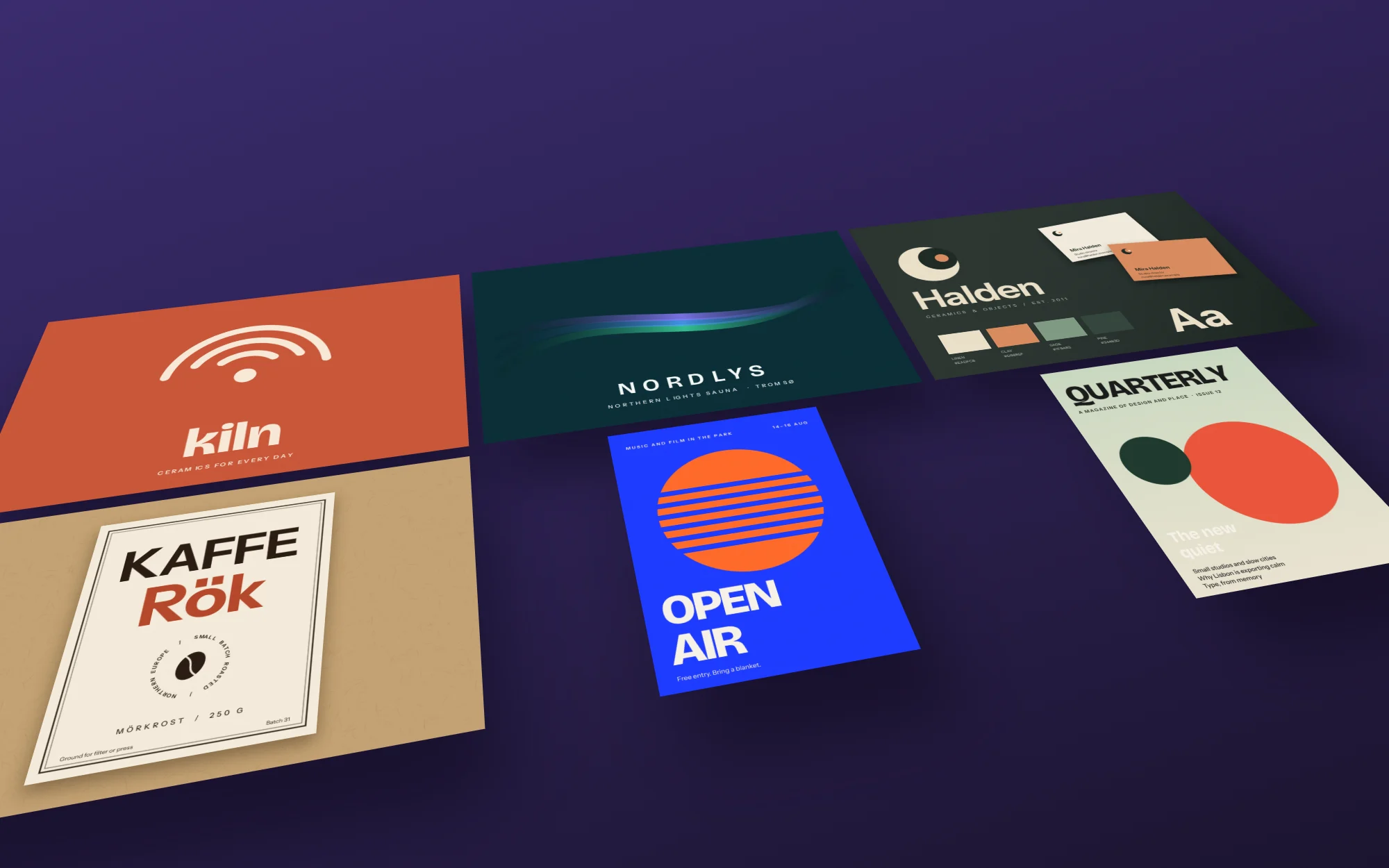
From digital experiences to graphic design, give your work a new perspective.


Make it infinite.
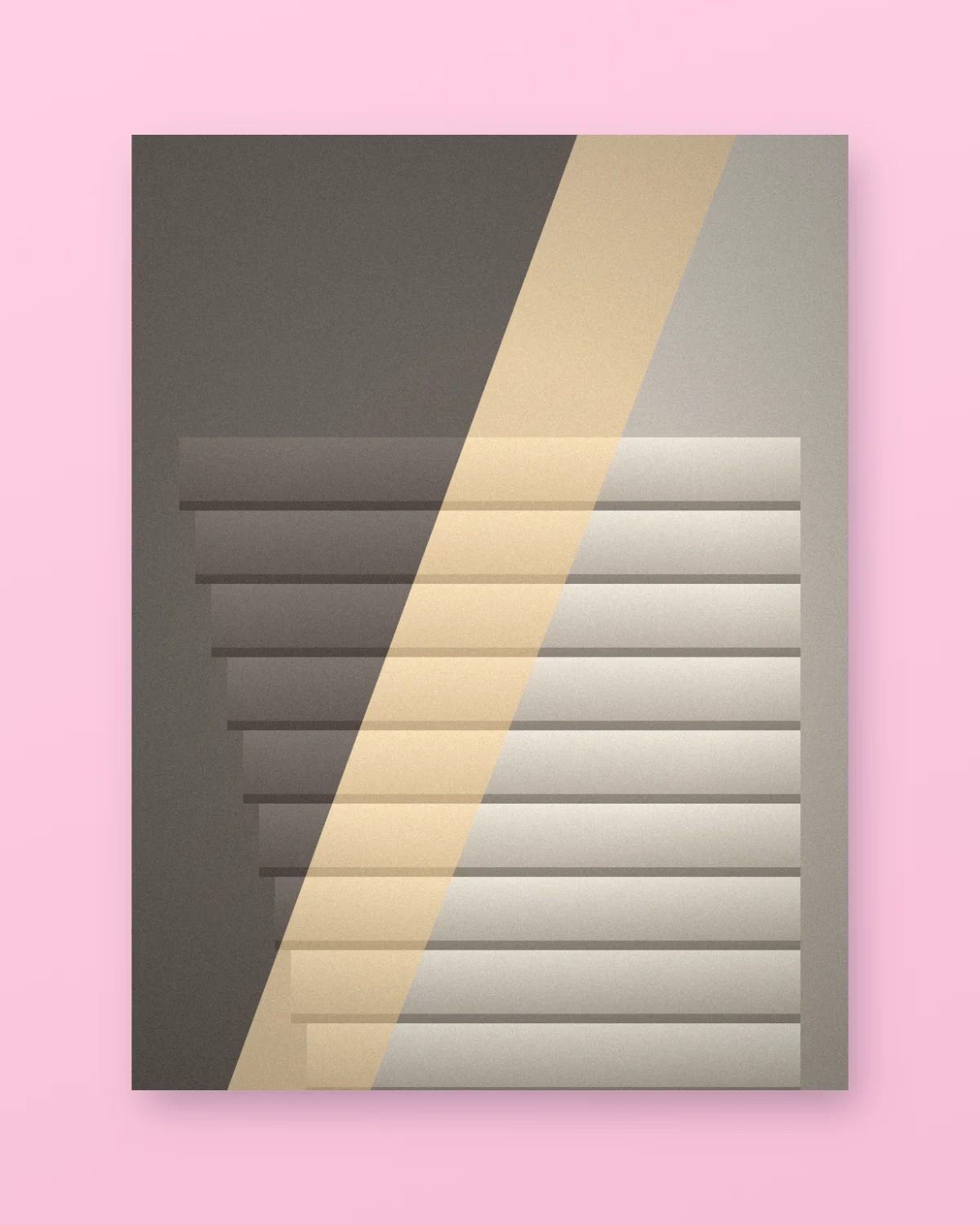
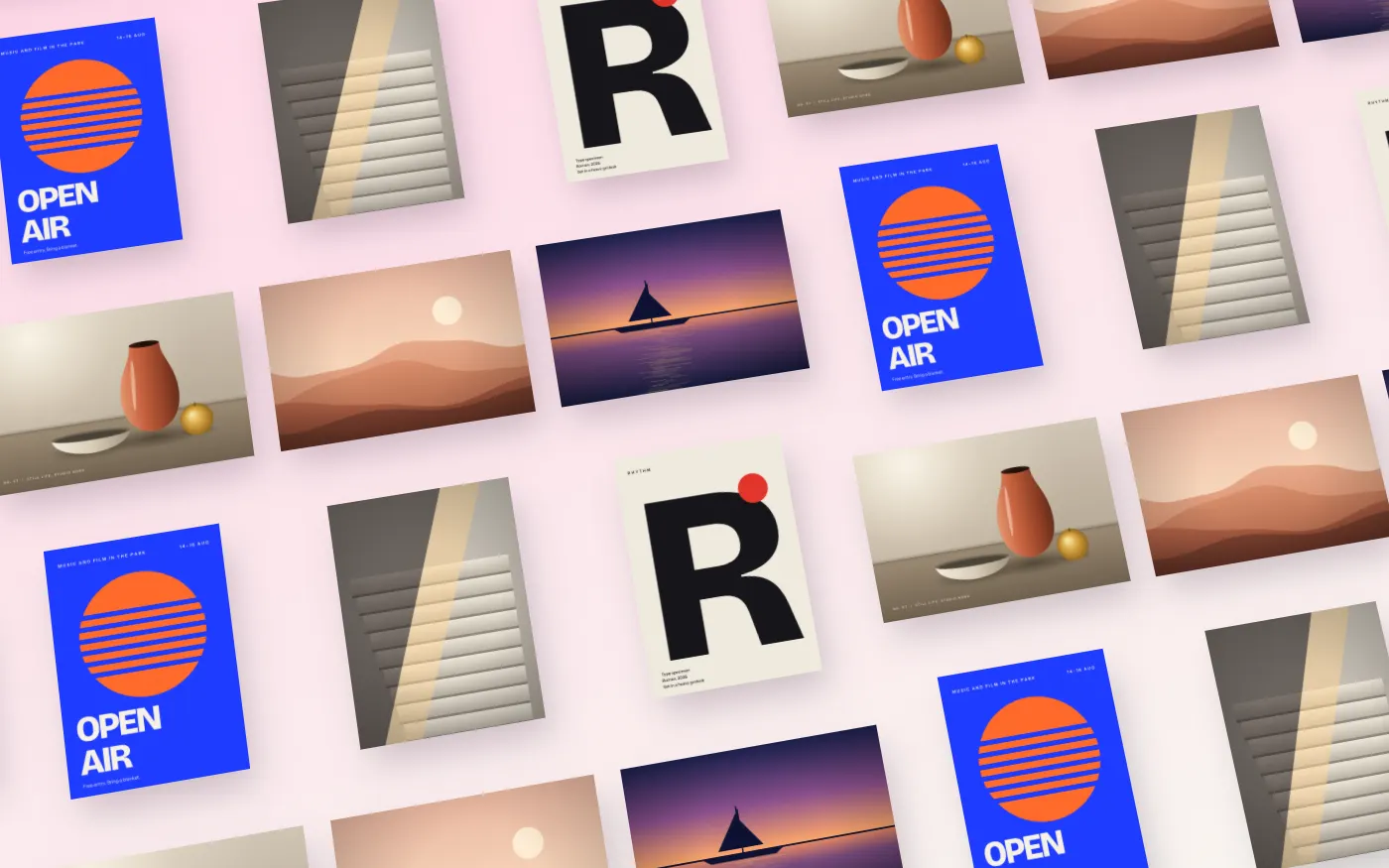
Repeat your images endlessly. Explore patterns, rhythm and unexpected compositions.
See things differently.
Tilt, rotate and explore new perspectives.
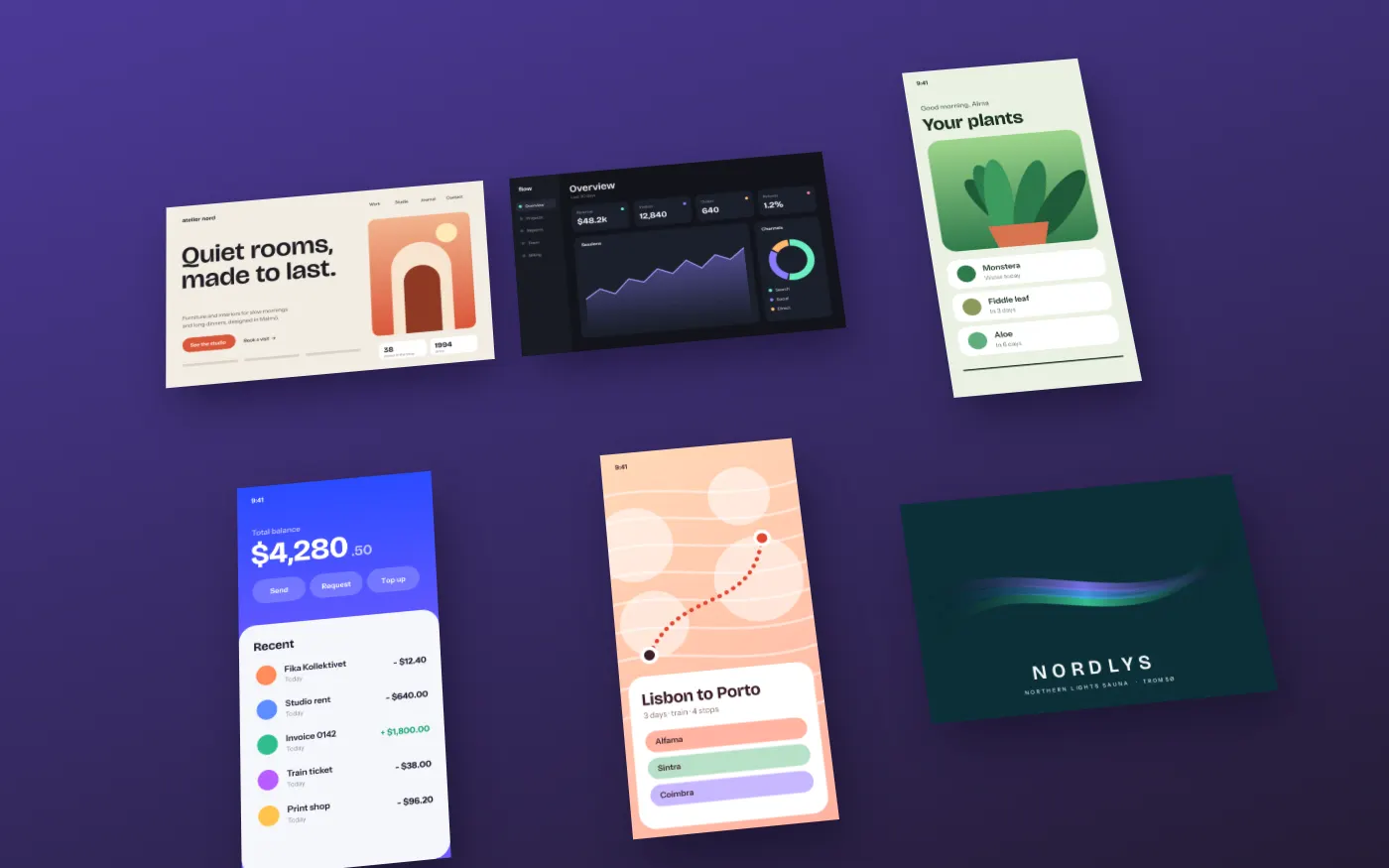
Set the scene.
Choose any colour, create custom gradients or add your own background image. Fine-tune shadows to bring depth to your work.
Try a background
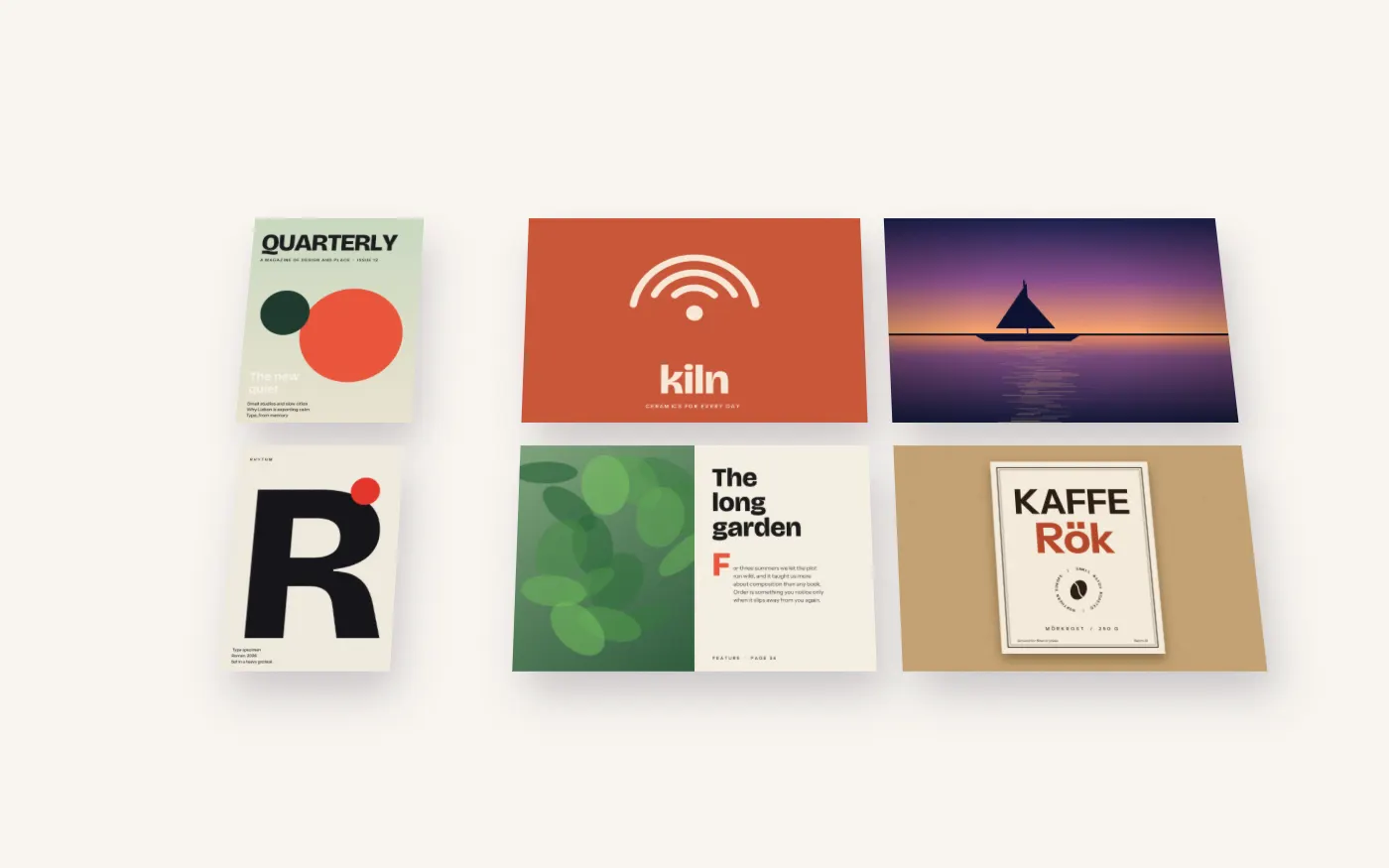
Start with a style.
Explore ready-made compositions and make them your own.
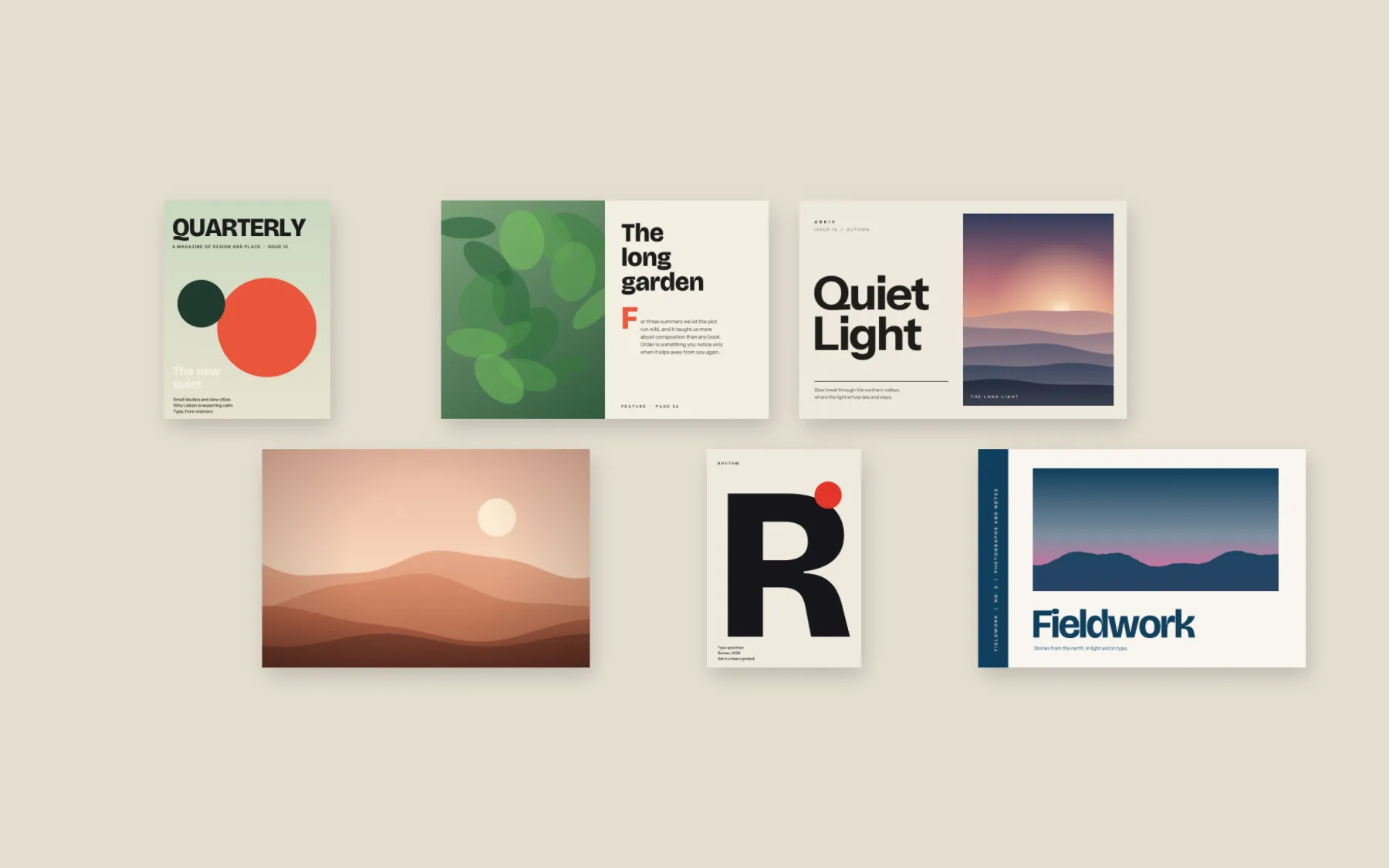
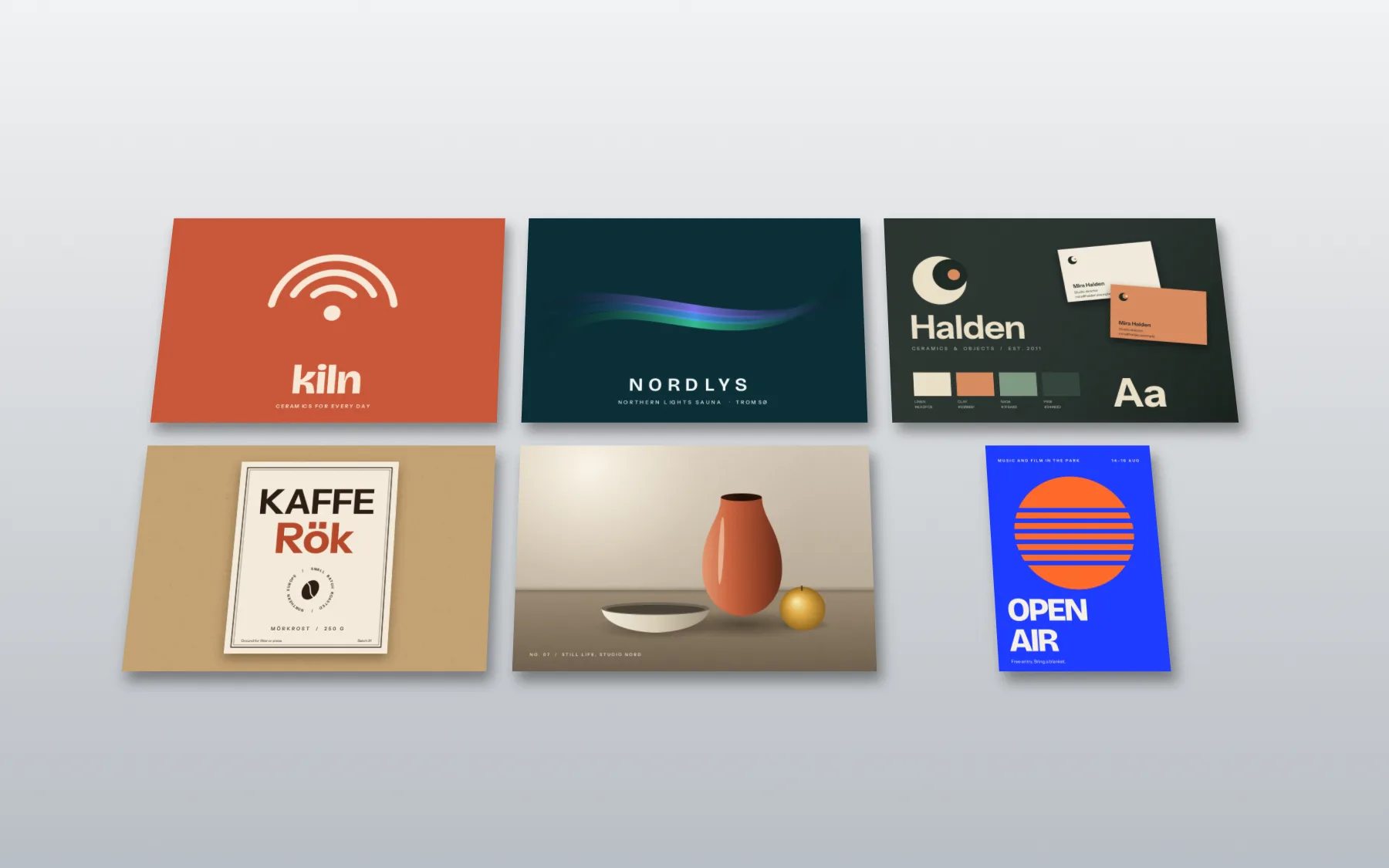
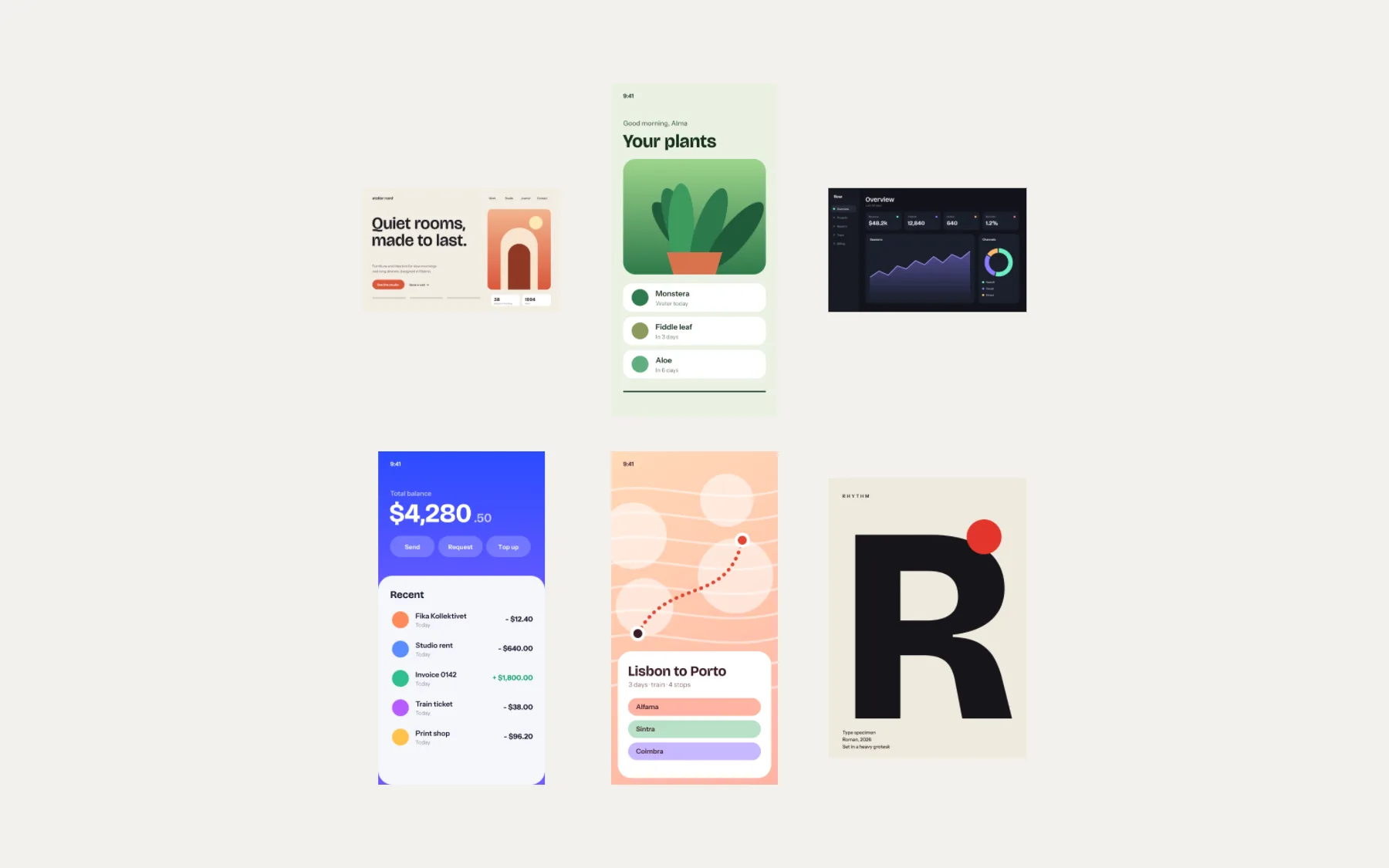
Make it yours.
Your images. Your composition. Your creative direction.

- Rotation and perspective
- Scale and spacing
- Shadows and depth
- Your own backgrounds
- Export as PNG, JPEG or WebP
- Projects saved on your device
Your images stay yours.
Everything happens in your browser. Your images and projects are never uploaded.
- No uploads
- No accounts
- No watermarks
Good to know.
Is Creative Compositions free?
Yes. Create, customize and export your compositions for free.
Do I need an account?
No. Simply open the studio and start creating.
Can I save my work?
Yes. Save your projects locally and open them whenever you want to continue.
Which formats can I export?
Export your compositions as PNG, JPEG or WebP.
Where are my images stored?
Your images are processed in your browser. Saved projects are stored locally as files on your device.
Something missing?
Have an idea? We'd love to hear it.
Good design. Good coffee.
Enjoy using it? Help keep Creative Compositions free.
Buy me a coffee (opens buymeacoffee.com in a new tab)